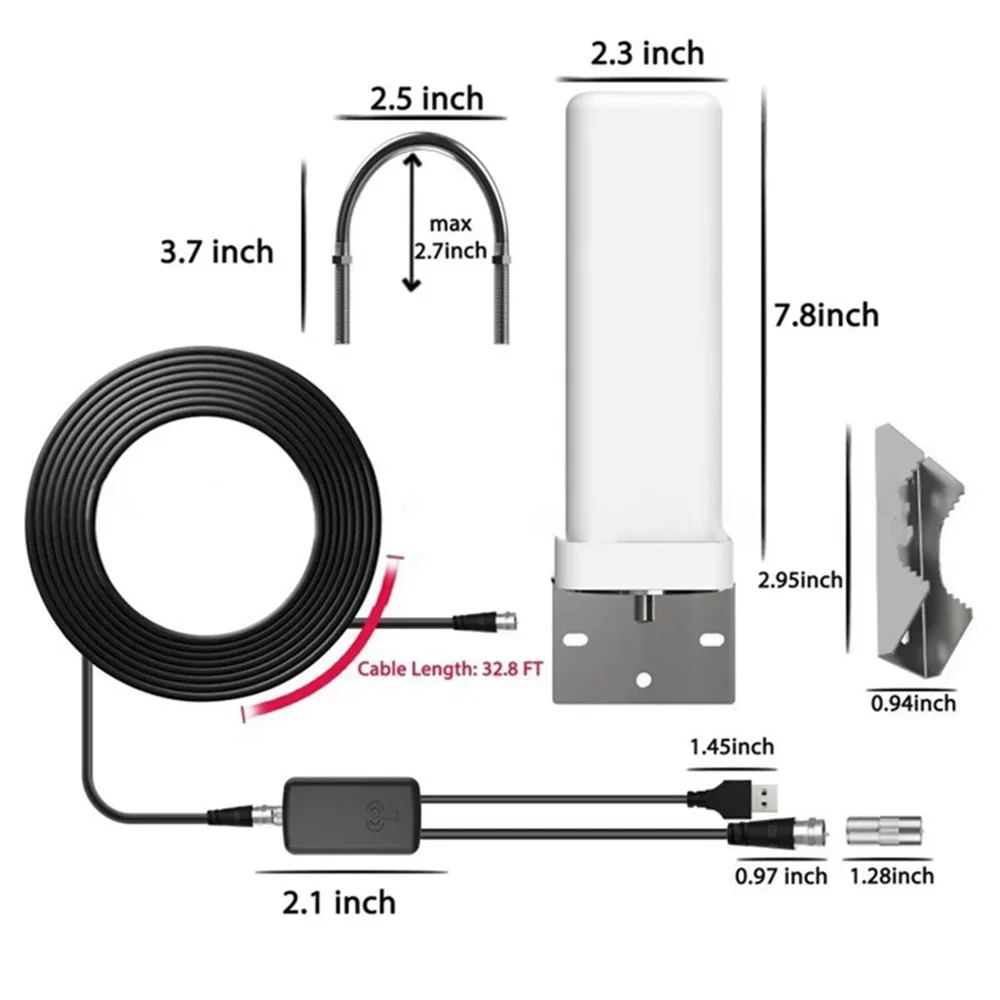
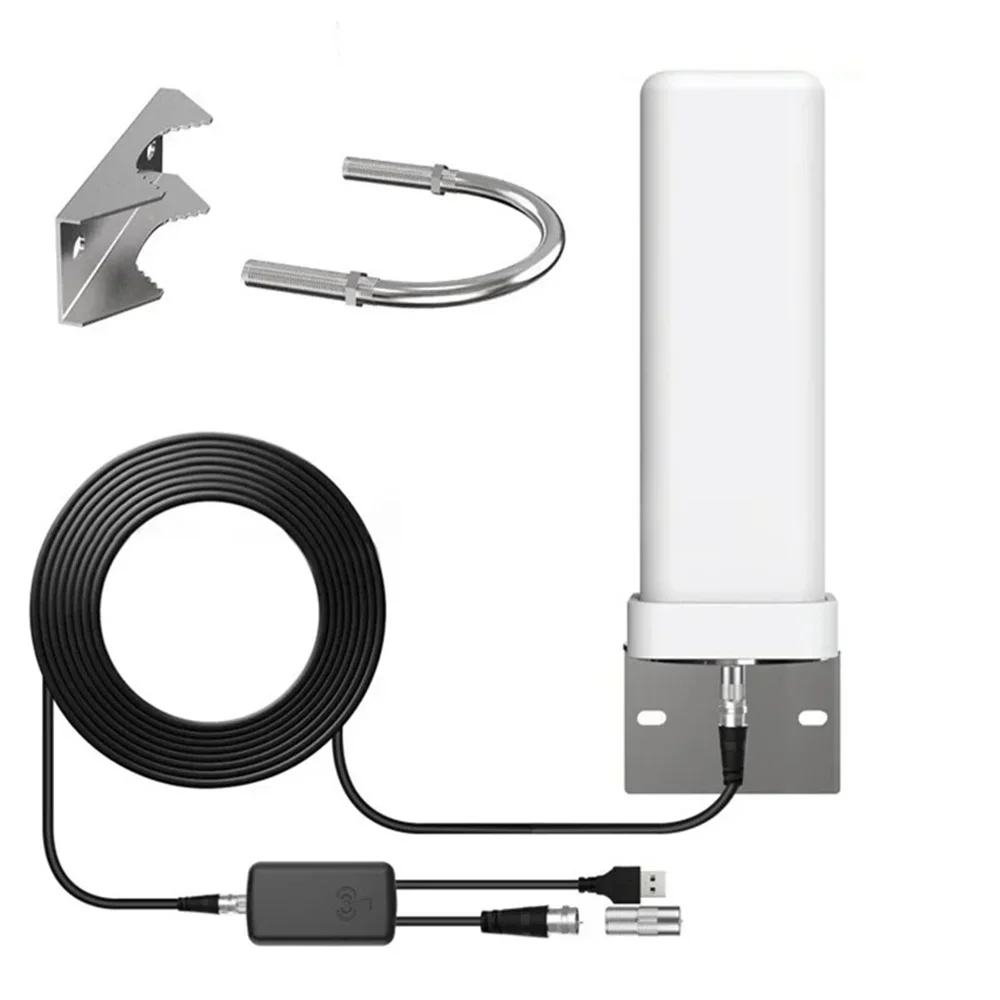
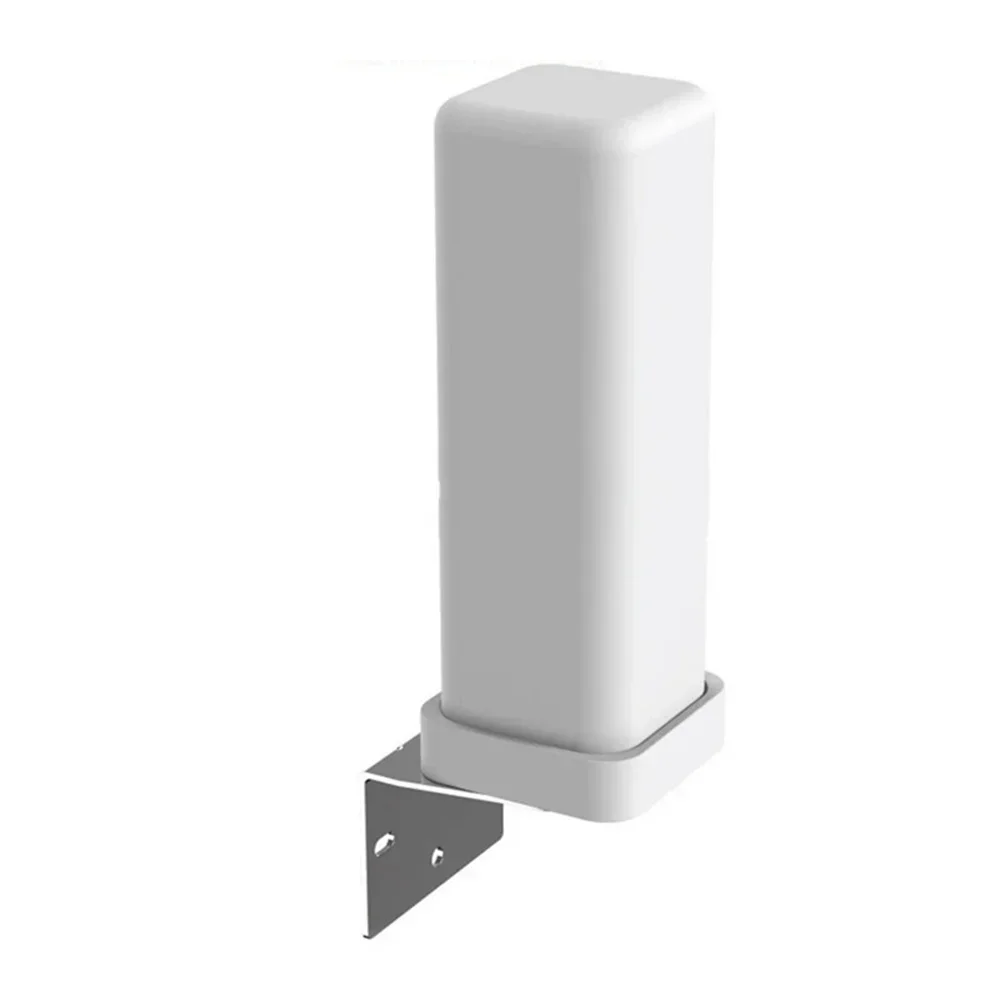
Outdoor digital TV antenna 35dBi remote signal amplifier 4K 1080P free HDTV channel ATSC DVB-T DMB-T ISDB-T


Outdoor digital TV antenna 35dBi remote signal amplifier 4K 1080P free HDTV channel ATSC DVB-T DMB-T ISDB-T
SPECIFICATIONS
Brand Name: HOMEFISH
Choice: yes
High-concerned chemical: None
Origin: Mainland China
How to use
Step 1: Connect one end of the coaxial cable (f-male) to the ANT/IN connector on the back of the TV or DVB-T tuner.
Step 2: In the TV's Settings menu, set the tuner mode to "Antenna" or "Air". For more detailed instructions, please refer to your TV manual.
Step 3: In the TV's Settings menu, set the TV to the "Scan" channel. This can sometimes be classified as an automatic program, automatic scanning, channel search or channel scanning. For detailed instructions, please refer to the TV manual.
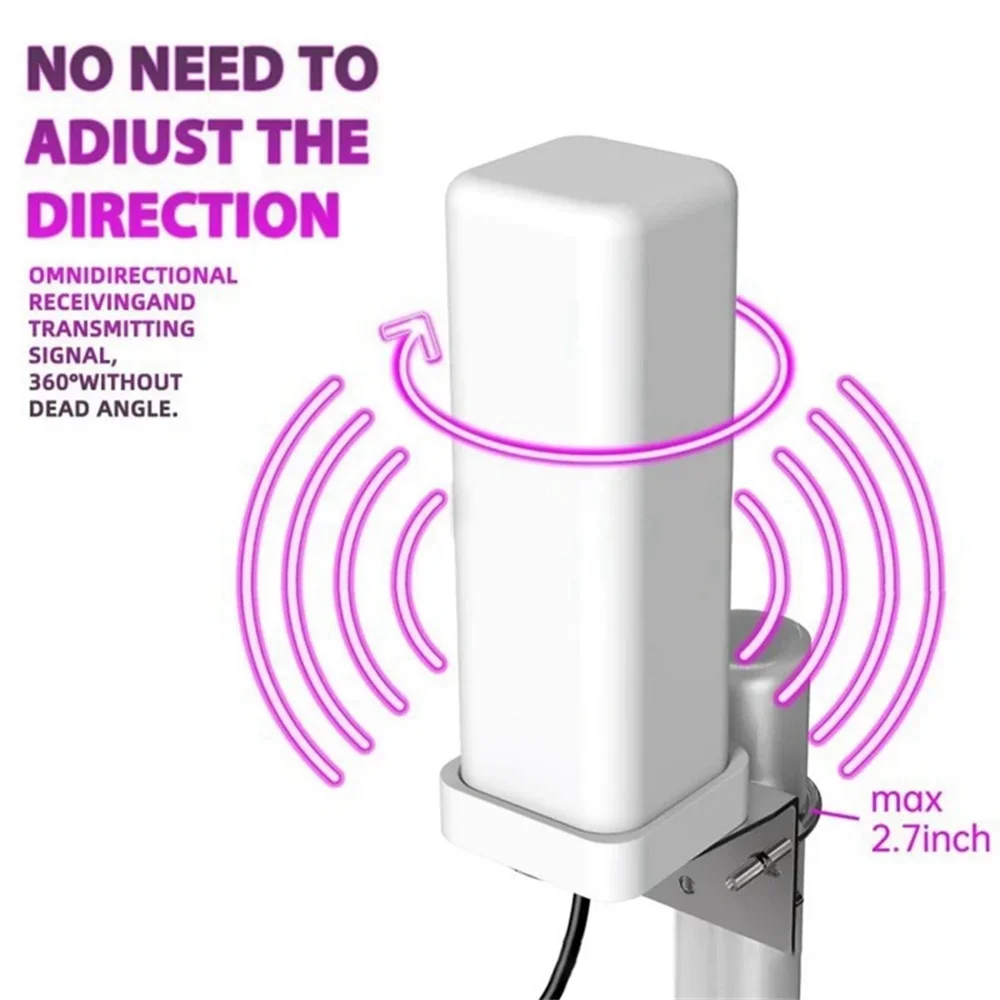
Step 4: If the reception is sporadic, try moving the antenna to another position and re-scan the TV until the best position is found.
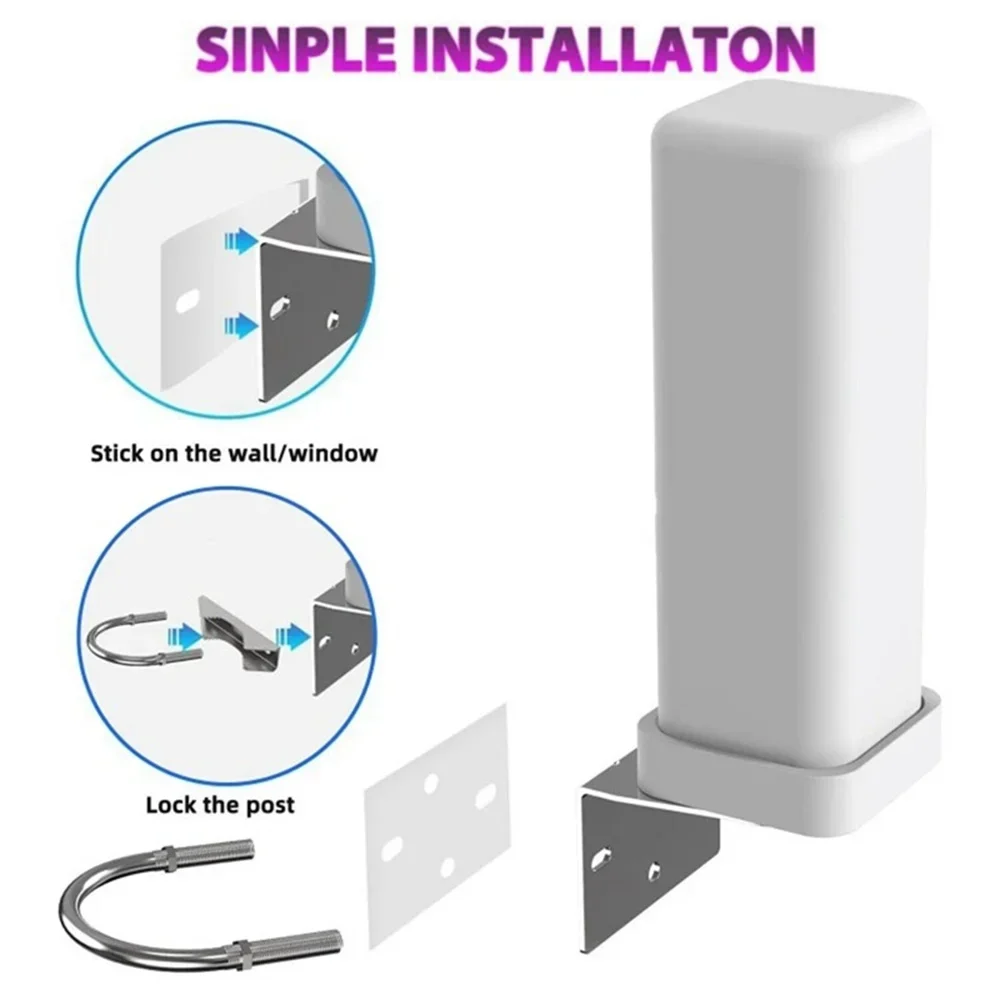
Step 5: Fix the antenna in the best position you find.
Q: What should I do if the TV antenna fails to receive signals or fails to achieve the expected effect?
A: 1. Check whether the antenna is correctly connected to the HDTV or a third-party HDTV receiver, such as a TV set-top box.
2. In the TV Settings menu, re-scan the channel and set the mode to Antenna or Air. Please refer to the TV manual for detailed instructions.
3. If you have seen snow (but watched) images on analog TV channels before, there may not be a strong enough signal to display this new format. Try repositioning the antenna at a different position. Sometimes, moving it a few feet can produce a different effect.